AOS HMI
Log In
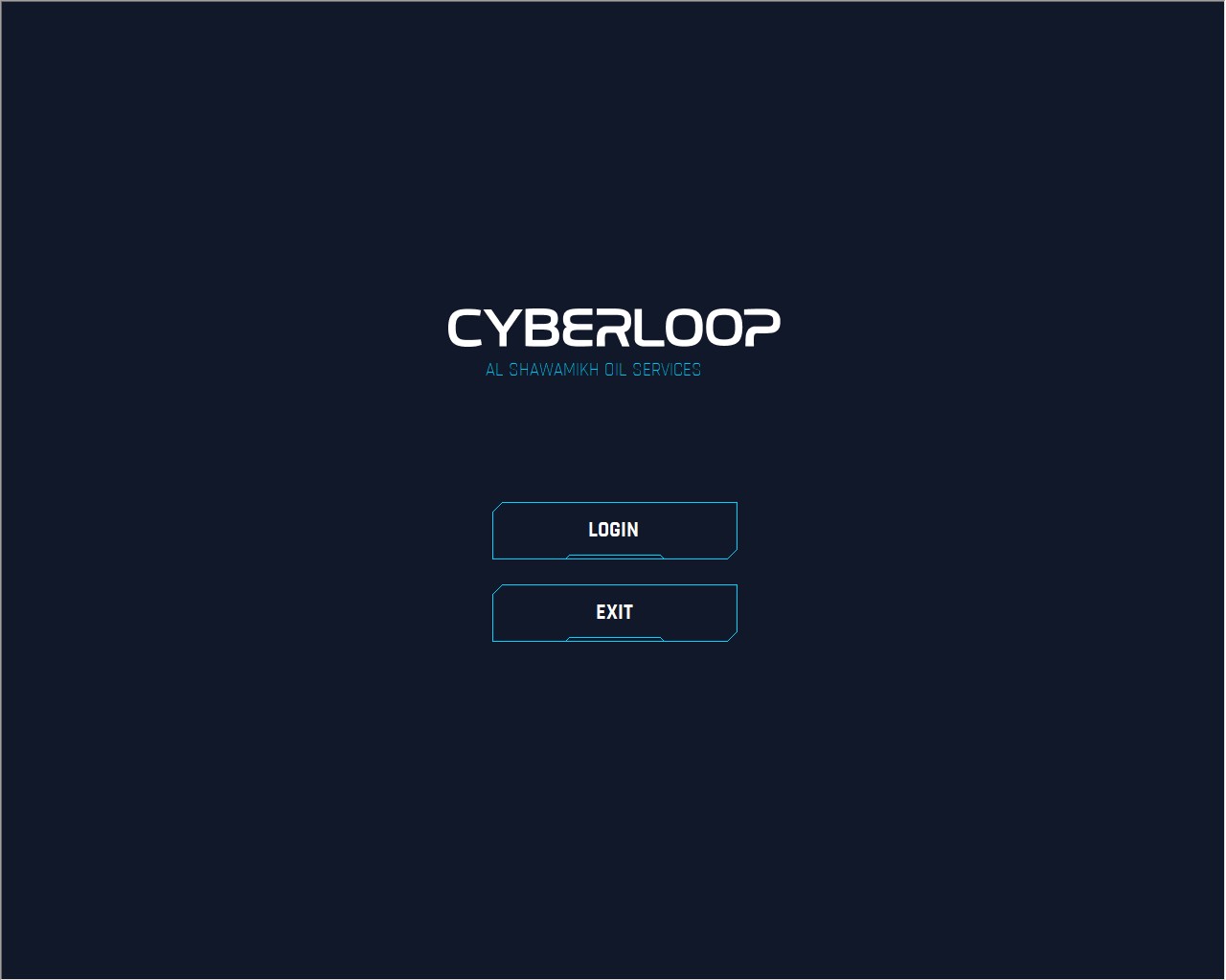
At the start of the application, credentials must be entered. Clicking on the Log In option on the start screen opens the login modal window. Here, the user can enter their credentials to begin using the application. Once logged in, the user will have full access to all available features and functionalities. To exit the application without logging in, the user can click the Exit button.
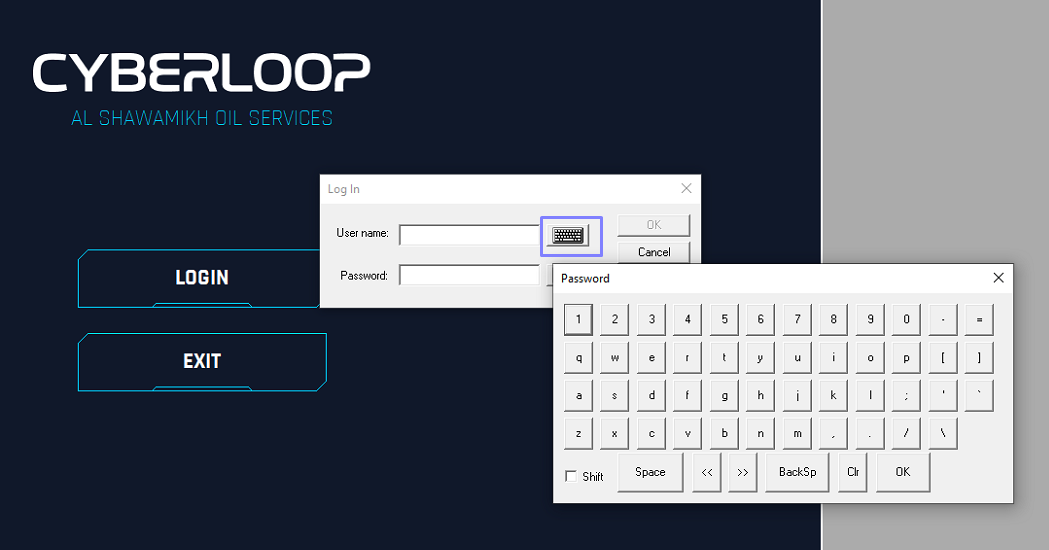
If physical keyboard is not available, the virtual keyboard can be opened by click on the keyboard icon in the Log in modal window.
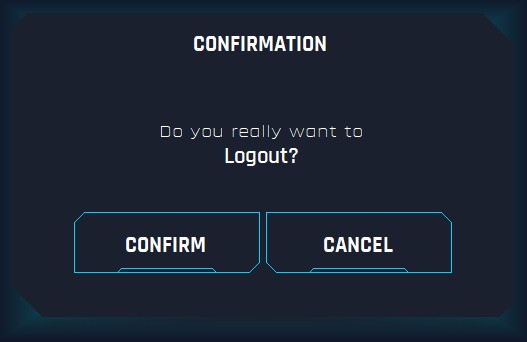
To log out of the system user has to click on the log out button next to the Cyberloop Logo, at the bottom panel and confirm logging out in the pop-up window.

After confirmation user will be redirected back to the Log In page.