Ops Parameter Page
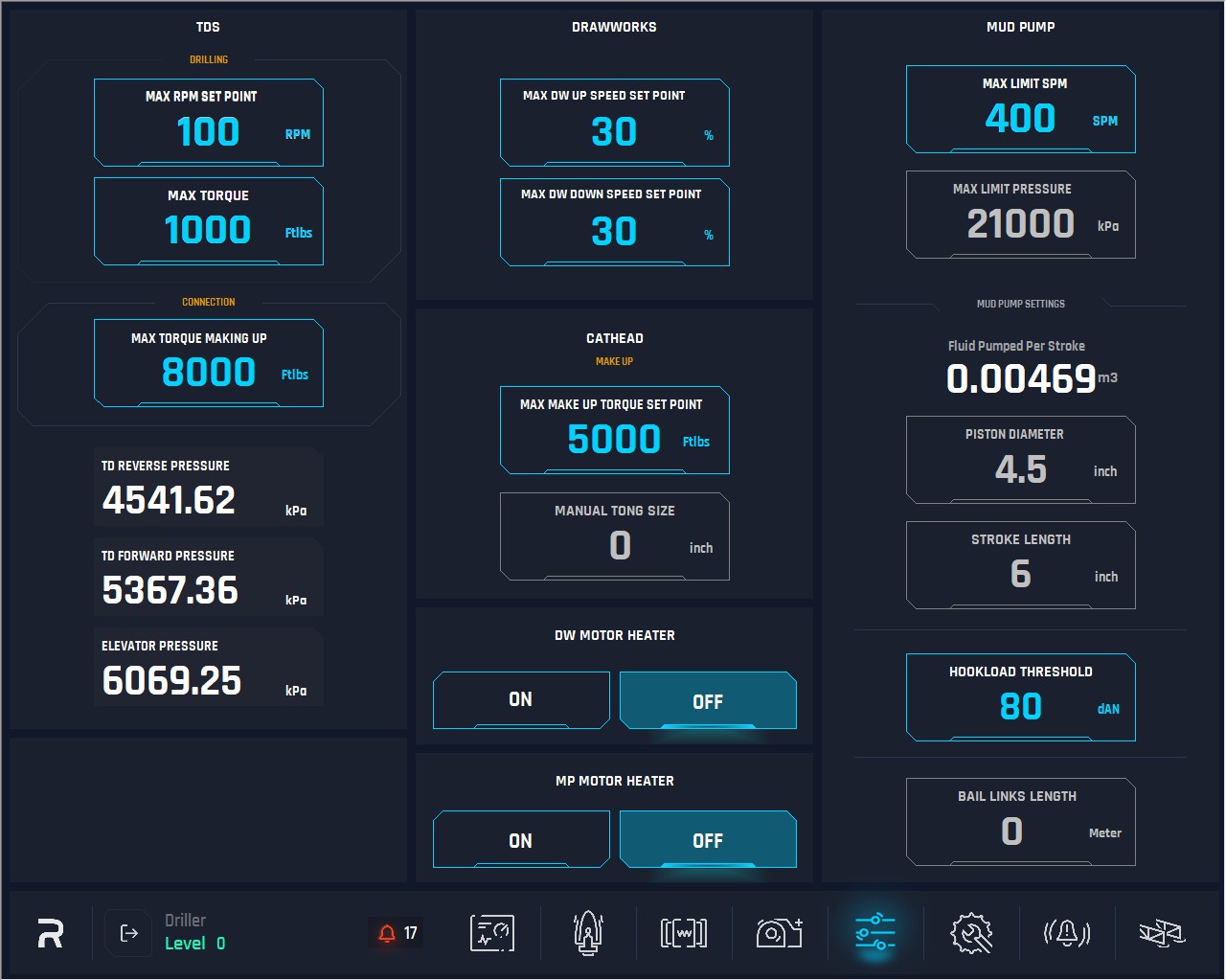
TDS Drilling
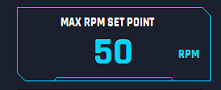
1. Max RPM Set Point: This option sets the max speed TDS can reach while drilling. When pushing this button, a numerical keyboard will appear, desired value can be inserted. The values of this have two hierarchies, first will be Operations, which is Driller and second is E-tech.

Behavior: When pressed a keypad will pop up and it will be limited in values from 1 to the set value (this value is controlled by E-tech) Our default value for driller will be from 1 to E-tech value which will be 100 RPM. The E-tech settable range will be from 25 to 150 RPM.
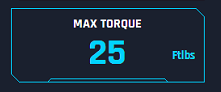
2. Max Torque: This option sets the max torque the TDS can reach while drilling. When pushing this button, a numerical keyboard will appear, and the user can insert the desired value. The values of this have two hierarchies, first will be Operations, which is Driller and second is E-tech.
Behavior: When pressed a keypad will pop up and it will be limited in value from 250 to the set value (this value is controlled by E-tech) Our default value for driller will be from 1 to E-tech value which will be 5,000 ft/lbs. the E-tech settable range will be from 250 to 8,000 ft/lbs.
TDS Connection
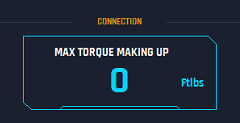
3. Max Torque Making Up: This option sets the max torque TDS can reach while making up during connection, when pushing this button, a numerical keyboard will appear, and user can insert the desired value.
Behavior: When pressed a keypad will pop up and it will be limited in value from 500 to 12,000 ft/lbs.
4. TD Reverse Pressure: This is a display to show the pressure value.
5. TD Forward Pressure: This is a display to show the pressure value.
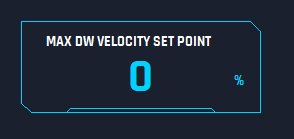
6. DW Velocity Set Point: This parameter will limit the Drawworks speed to this value while operations. System uses this value as a limiter for the DW speed.
Behavior: When pressed the keypad for the driller will appear and his selection will be limited as per the settings. E.G. he can select from 5 to 30%, if he selects a number above his allowable, a pop up will appear telling him that a higher value requires RM, MGT or E-Tech log in”. On that same screen he can select “Cancel” going back to the keypad and selecting a number within the range, or it will have “RM Log in”. “MGT Log in” and “E-Tech log in” of which by selecting them then they must log in.
For the RM and MGT they will be able to select a percentage from 5 to their maximum set range. Then by “Accepting or Acknowledging” it will set that speed and log them out.
For E-tech, it will show him the limits of each position and he can then set the % for each one but they must be in scale, is to say the Operators/Drillers value cannot be higher than the RM and so on.
This is a value E-Tech Settable only.
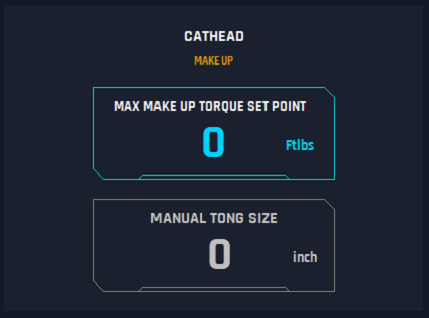
7..Max Make Up Torque Set Point: This option sets the max torque for cathead can reach while making up, when pushing this button, a numerical keyboard will appear, and the desired value can be entered. The maximum setting will be based on the manual tong size and pressure limitation.
8..Manual Tong Size: This option is to insert the Size of the manual tong. When pushing this button, a numerical keyboard will appear, and the user can insert the value.
This value is E-Tech and Management Settable only.
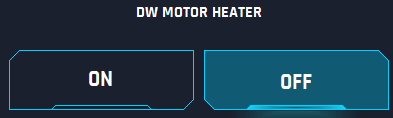
9. DW Motor Heater: This is a feature for the Heater Electric motor on the Drawworks that heats the motor to avoid condensation on colder days. When pushing the ON or OFF buttons the HMI switches on or off the heater. If activated, then this should be highlighted.
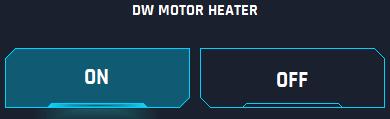
10. MP Motor Heater: This is a feature for the Heater Electric motor on the Mud Pump that heats the motor to avoid condensation on colder days. When pushing the ON or OFF buttons the HMI switches on or off the heater. If activated, then this should be highlighted.


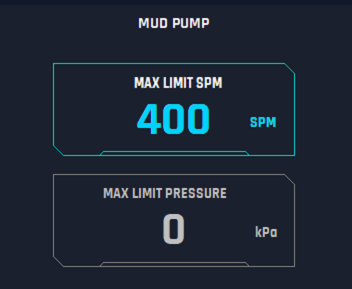
11. Max Limit SPM: This option is to set the Maximum Stroke per Minute the Pump can reach while operations. When pushing this button, a numerical keyboard will appear, and the user can insert the desired value considering the profile limits.
Maximum SPM 480 controlled by RM settings
Maximum SPM 300 controlled by Driller Settings
No Management Profile
E-Tech Profile can update the max values for profiles.
12. Max Limit Pressure: This option sets the Maximum Limit Pressure that pump can reach while in operation. The overall system pressure should be limited to 21,000 kPa and to increase/change from this value should only be E-tech accessible.
Any value equal and below can be set by the driller.
Maximum pressures settable by RM is 23,100 kPa (maximum plus 10%)
Maximum pressures settable by driller will be as per E-Tech setting, which should be up to 3,000 psi / 21,000 kPa.
No Management profile.
This is a E-Tech / Rig Man settable only. These profiles can set more than 21,000 kPa if needed.
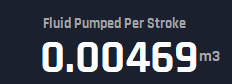
13. Fluid Pumped Per Stroke: This is an indicator to show the current Fluid Pumped per stroke.
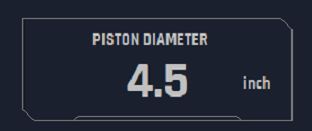
14. Piston Diameter: This option allows user to select the desired value for the plunger Diameter. Only readable by the driller and accessible only by E-tech hierarchy to change.
The following values must be hardcoded on the backend since HMI is created:
3”
3.5”
4”
4.5” – This is the DEFAULT VALUE since it is the current diameter on the pump.
This is an E-Tech Settable only.
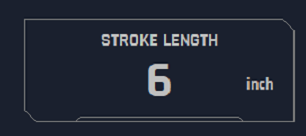
15. Stroke Length: This option is to set the stroke length, this button when pushed will pop up a numerical keyboard to allow the user to insert the value. The default value must be 6”.
This is an E-Tech Settable only.
16. HookLoad Threshold: Weight interlock, cannot open elevators if the weight is greater than 6,000 daN. This is an E-Tech settable only.

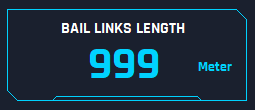
17. Bail Links Length: The Rig can operationally change the bail links length, and it then impacts the calibration setting. This is E-Tech settable only.