
Wells
Main widget of the Wells application contain list of all wells with main parameters, such as whole drilled sum, Bit Depth, Well Depth, number of days since spud date and preview of the chart with planned and actual depth. and 24 hour Daily Metrics
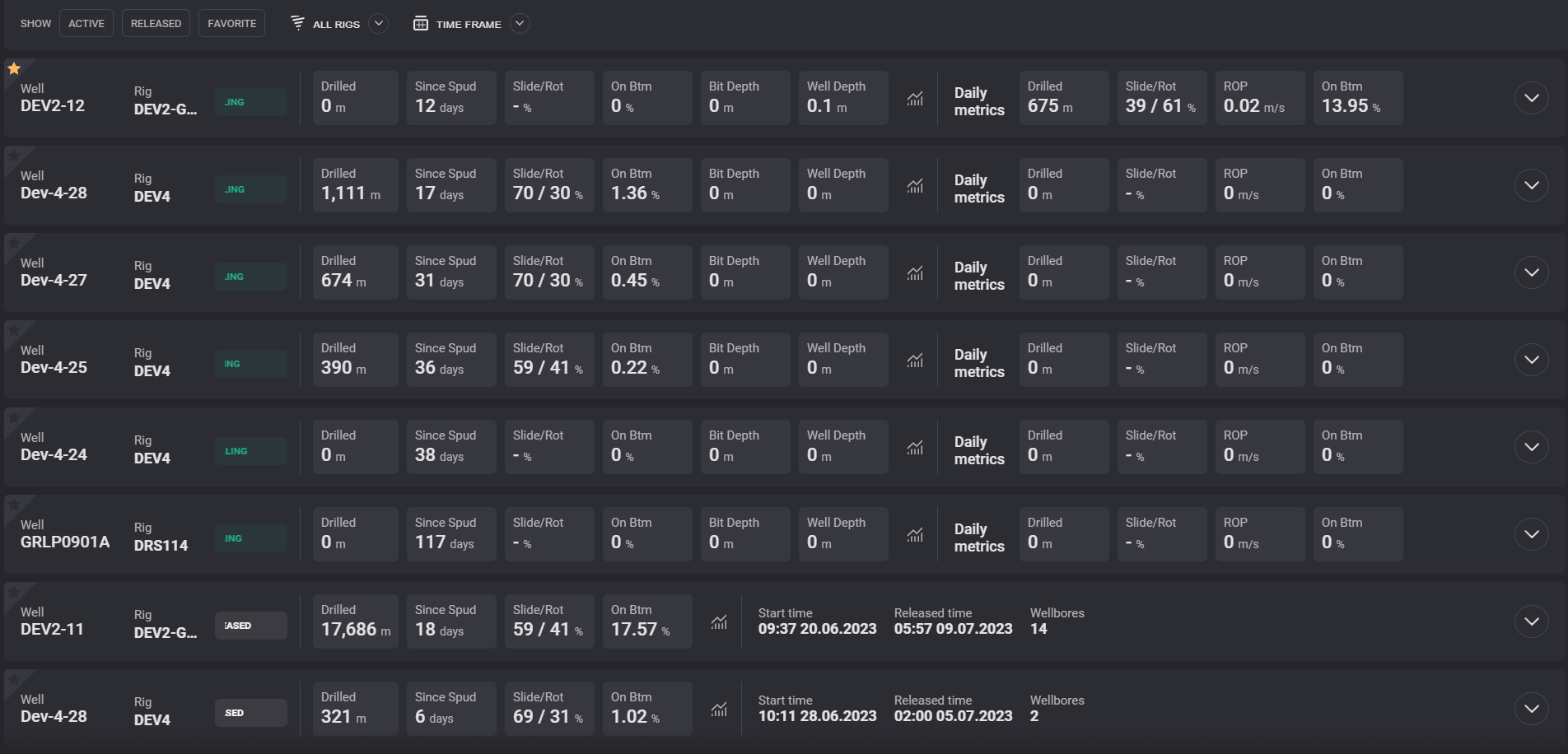
The Depth vs Days chart preview modal window can be opened by clicking on the chart icon in the row.
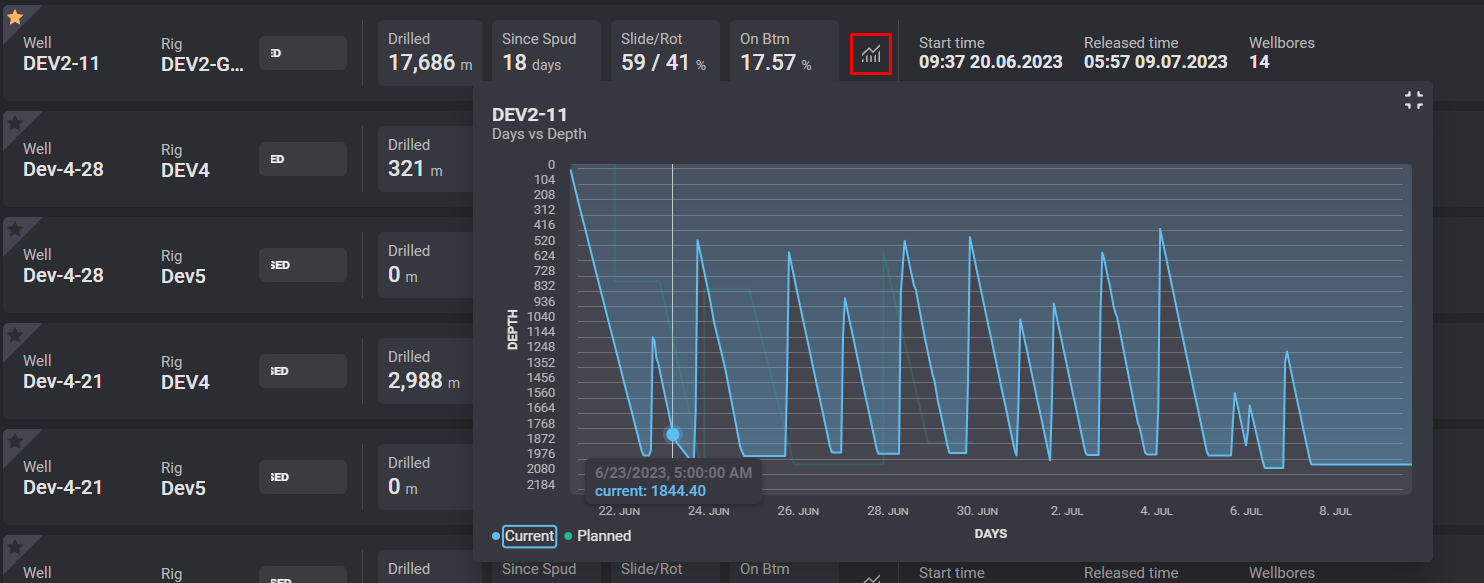
The Current or Planned dependency can be hidden/displayed by clicking on the corresponding legend below the chart.
The List of the wells can be filtered by its status by clicking on the option on the top of the table:

To add a well as a “Favourite”, simply click on the ⭐ of the desired well.
Click the star again to remove the Well from your “Favourites” list
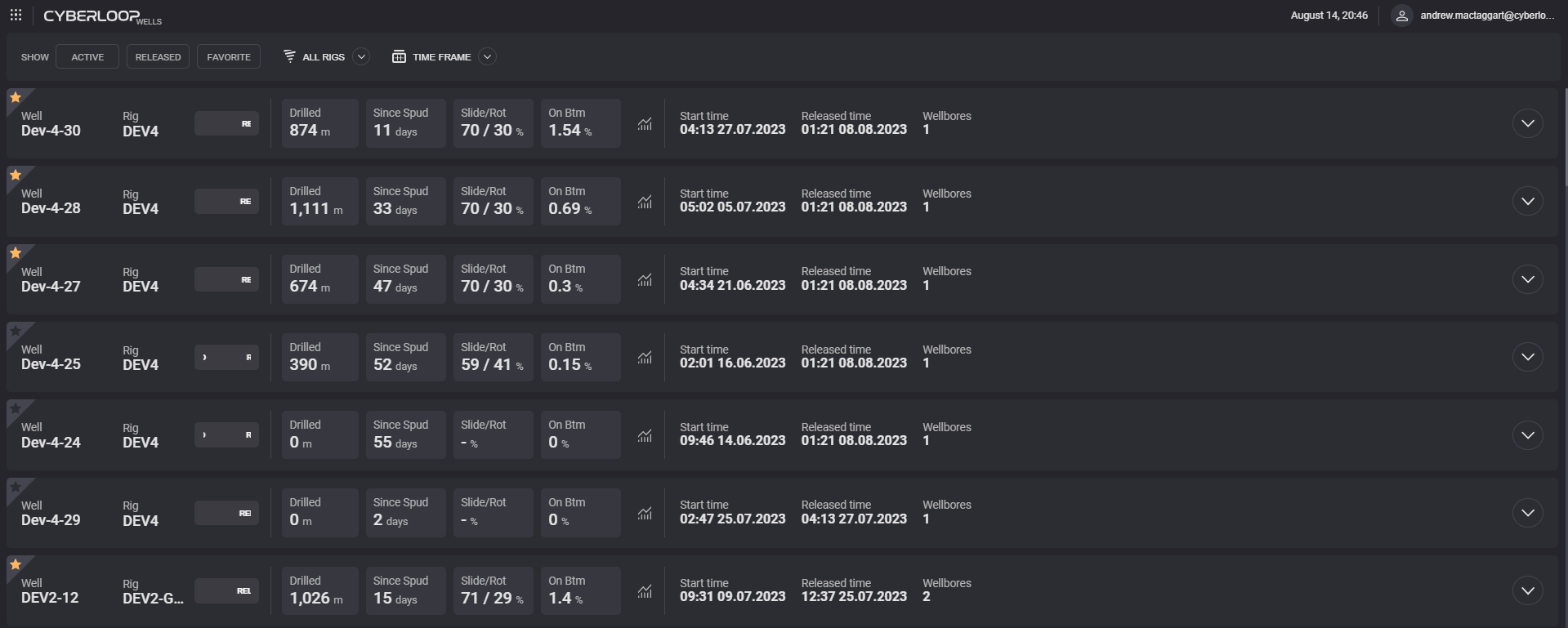
Select a Favorite Well by selecting/deselecting the star in the top left corner of the well card